If you are searching for an AirTag for Android, you probably want one simple thing: a cheap little tracker that helps you find keys, luggage, a backpack, or the TV remote that somehow disappeared into the couch. The problem is that AirTag is built around Apple's Find My network, so it is not a fully functional Android accessory. Before you spend $29 on one, it helps to understand exactly what your phone can and cannot do.
The short version is straightforward. An Android phone can detect an AirTag in certain situations and read its lost-mode information through NFC. It cannot set up an AirTag, change its settings, or use Apple's Find My app to locate the tag on a map. For most Android owners, an AirTag for Android is therefore a poor primary tracker. It is like buying a garage-door opener for a house with no garage: technically interesting, practically unhelpful.
The three things that actually matter
1. Setup requires Apple hardware
An AirTag must be paired through an iPhone or iPad. Apple does not offer a normal Android setup process, and the browser version of iCloud does not turn an Android phone into a Find My controller. If you buy a four-pack for the family, every person who needs to manage a tag will still need access to an Apple device.
That matters after the purchase, too. Replacing the battery, renaming a tag, enabling Lost Mode, or checking its location depends on Apple's ecosystem. You could ask a friend with an iPhone to help with initial setup, but that creates an awkward ownership arrangement. If the tag is attached to your suitcase, you should not need to borrow someone else's phone before a work trip.
2. Android can detect, but not normally track
Android users can interact with a lost AirTag in limited ways. If the owner has marked it as lost and someone taps the white side of the tag against an NFC-capable phone, the phone may open a webpage with contact information. That is useful when a stranger finds your bag, but it is not a substitute for live tracking.
Modern Android phones can also warn about unknown Bluetooth trackers traveling with you. Those alerts are designed for personal safety, not for finding your own misplaced keys. An alert can tell you that an unfamiliar tracker may be nearby, and some phones let you make the tag play a sound. It does not give you Apple's complete map-based locating experience.
3. The network is the real product
The AirTag itself is small and clever, but its standout feature is the large network of nearby Apple devices that can anonymously report its approximate location. That network is why an AirTag can be useful in a busy airport or downtown street even when the tag has no direct cellular connection.
An Android-friendly tracker needs access to a network your phone can actually use. Google-compatible trackers are designed around Google's Find My Device network, while Samsung SmartTag2 is primarily aimed at Samsung Galaxy owners. The logo on the tracker matters less than the app and network behind it.
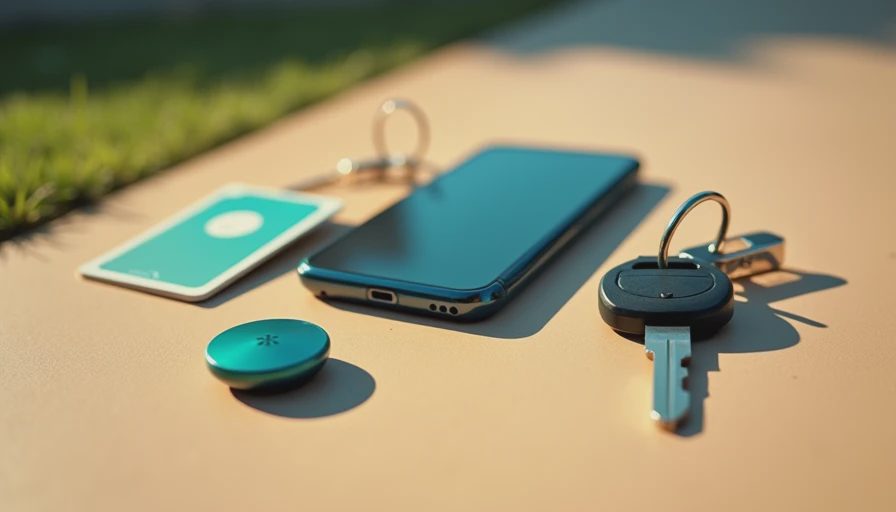
What an AirTag for Android can still do
There are a few narrow cases where an AirTag for Android is not completely pointless. Suppose your partner uses an iPhone and owns the AirTag, while you carry the tagged suitcase. Your partner can manage the device, and you can still receive an unwanted-tracker alert if an unknown AirTag appears to be moving with you. That is a shared-household workaround, not true Android compatibility.
You can also use an Android phone to scan an AirTag's NFC surface if you find one in a lost bag. The phone may open Apple's identification page, allowing you to see whether the owner provided a phone number or message. This feature is helpful for returning property, but it does not allow you to claim the tag or add it to your own account.
There is another distinction worth making: Bluetooth detection apps are not equivalent to Find My. An Android app might notice a nearby Bluetooth signal, but it generally cannot reproduce Apple's crowd-location network or reliably tell you where the tag was last seen across town. This is where the spec sheet stops helping. The physical radio is only half the product.
Better choices for Android owners
If you want an AirTag for Android because you need to locate everyday items, start with trackers built for your phone's operating system. Chipolo's Google Find My Device-compatible models and Pebblebee's compatible trackers are examples worth comparing. Exact model support, battery type, and network features change, so confirm that the product listing specifically says it works with Google's Find My Device network rather than only offering a basic Bluetooth app.
Google-compatible trackers usually make the most sense for people carrying Pixel phones or other Android devices. They can be managed through Google's system, and some models offer replaceable batteries while others use rechargeable designs. A replaceable CR2032 battery is convenient for a key ring because you can swap it in minutes; a rechargeable tracker can reduce disposable battery purchases but adds another item to your charging routine.
Samsung owners have a different path. A Galaxy SmartTag2 is a natural choice when your phone is a Samsung Galaxy model and you already use Samsung's SmartThings Find service. It is less attractive for someone with a Motorola, OnePlus, or Pixel phone because compatibility and features are tied closely to Samsung's ecosystem. An AirTag for Android does not become a better buy simply because it is widely reviewed.
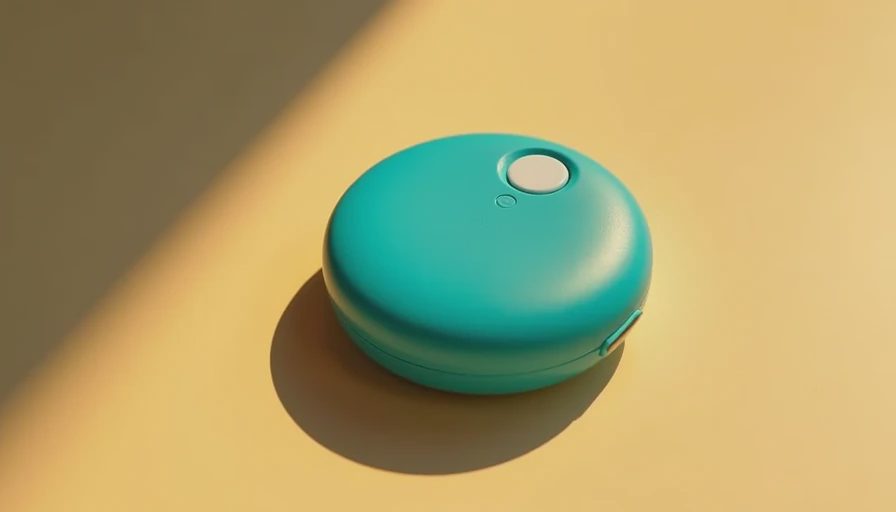
Match the tracker to the thing you might lose
For keys, prioritize a compact body, a loud speaker, and an easy battery replacement. You are probably searching under a coffee table, not tracking a stolen vehicle, so fast nearby finding matters more than an impressive marketing claim.
For checked luggage, network coverage matters most. A tracker that can report its location through nearby phones is more useful at a crowded airport than one that works only when your own phone is within Bluetooth range. Put the tracker inside the bag rather than on the outside, where it can be knocked off or noticed.
For a wallet, thickness becomes the deciding factor. A card-shaped tracker can fit better than a round tag, but check whether it has a rechargeable battery or requires replacement. If the card needs charging every few months, schedule it alongside your phone or earbuds instead of discovering the dead battery when your wallet is already missing.
For a child or pet, do not treat any Bluetooth tracker as a live safety device. These products are designed for objects, and location updates can be delayed or unavailable. A dedicated GPS service is more appropriate when continuous location visibility is genuinely necessary, although it costs more and usually involves a subscription.
A five-minute buying checklist
Before ordering, check the app name in the product listing. Confirm that it is available for your exact Android version and that the tracker joins a crowd-location network, not merely a local Bluetooth connection. Then look at battery life, water resistance, speaker volume, attachment method, and return terms.
Also ask who else in your household needs access. A tracker that works perfectly for you but cannot be managed by your spouse or roommate is a future argument disguised as a gadget. Compare the single-unit price with a two-pack or four-pack, but do not buy extras for every drawer until you have lived with one for a week.
If you already own an iPhone user in the household, an AirTag for Android can serve as a shared-device solution. Otherwise, the cleaner decision is an Android-compatible tracker built for Google or Samsung. You will spend roughly $25 to $35 for many mainstream options, and avoiding one return, airport panic, or missing backpack can justify the purchase quickly.
The practical verdict is simple: skip an AirTag for Android as your personal tracker unless an iPhone user will manage it for you. Choose the network your phone can access, buy one tracker for the item you lose most often, and test the app before buying a drawer full of them. Buy the version you will still like after the excitement wears off.

No comments yet — be the first to share a thought.