
Affiliate Disclosure: Three Things Before is a participant in the Amazon Services LLC Associates Program. If you buy through a link on this page, we may earn a small commission at no extra cost to you. It never changes what we write: we tell you what worked, what didn't, and who should skip the product.
Most air purifier shopping goes sideways in the same place. You open a listing, get hit with square footage, airflow ratings and filter grades, and end up either overbuying a machine meant for a much bigger space or grabbing whatever is cheapest and hoping for the best. For a bedroom, the real questions are smaller and far more practical: will it be quiet enough to sleep next to, and will it do something useful in a room this size?
That is the lens I used when I put the Honeyuan HY1800PRO, a compact H13 HEPA air purifier for bedroom use, next to my bed and ran it for a few weeks. Below are the three things I would want to know before buying one: how it behaves at night, how easy it is to live with, and where it quietly falls short.
Getting to Know the Honeyuan HY1800PRO
First Impressions Out of the Box
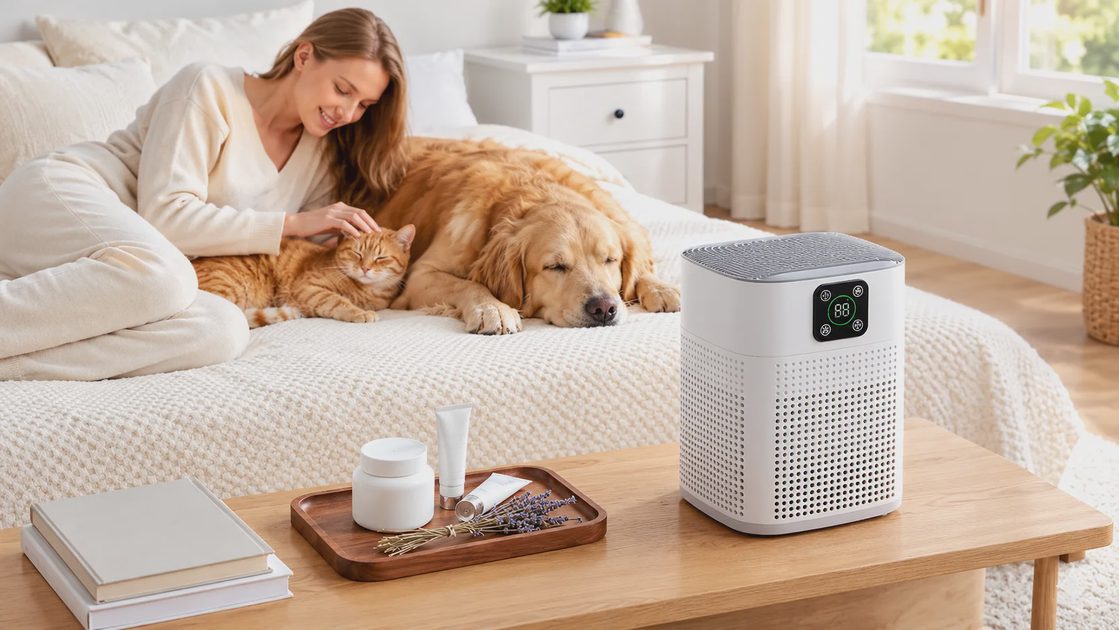
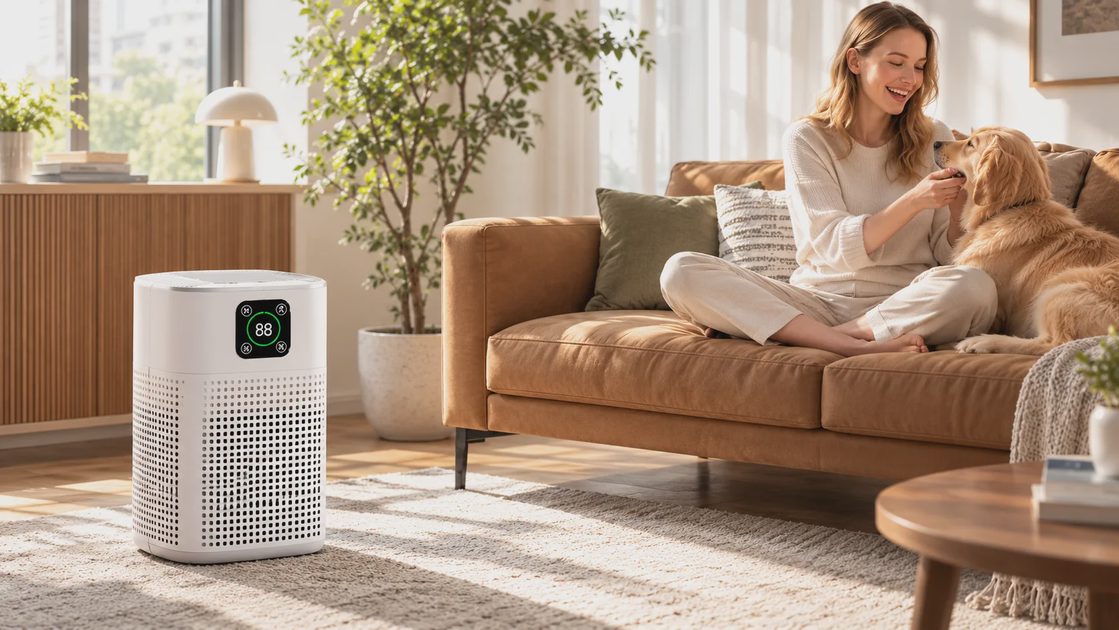
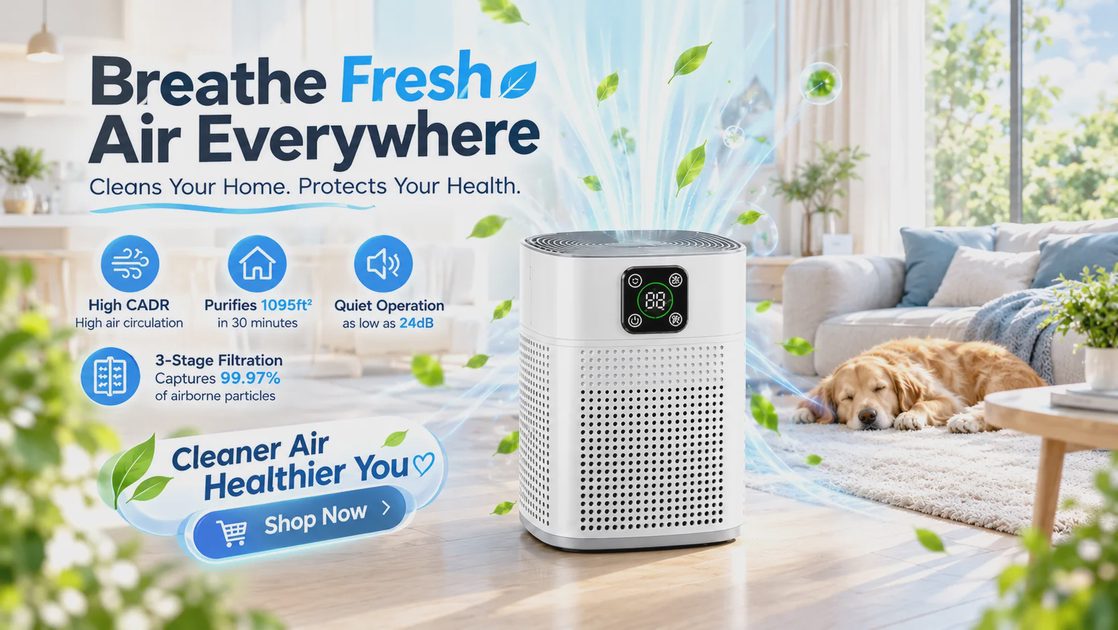
The first thing I noticed was how little space it asked for. It is a white, rounded tower with a ribbed grille on top, and it looks closer to a speaker than to the bulky purifiers I grew up seeing in waiting rooms. It sat on my nightstand without crowding the lamp, and it was light enough that I carried it between the bedroom and the home office without thinking twice.
Setup was about as simple as it gets: plug it in, make sure the filter is seated, tap the power icon. No app, no pairing, no account. For me that is a point in its favor, because a purifier I have to troubleshoot is a purifier I will eventually stop using.
What Is Actually Inside
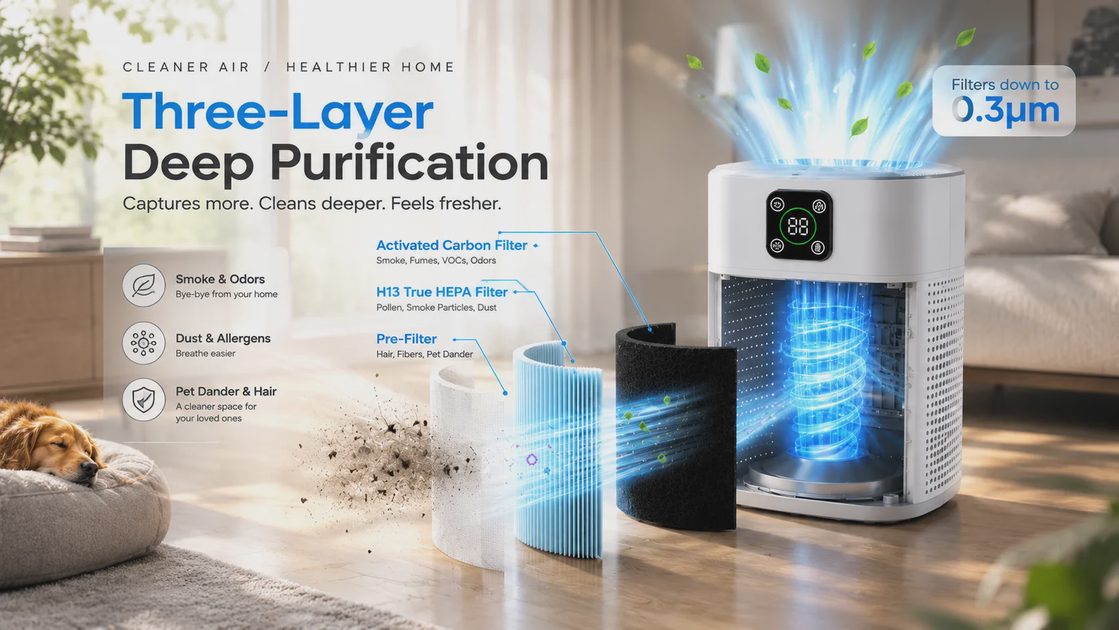
Honeyuan builds this model around an H13 True HEPA filter in a three-stage setup: a pre-filter for the bigger stuff like pet hair and lint, the HEPA layer for fine particles, and a carbon stage aimed at odors. Air is pulled in through perforations on all sides instead of a single vent, which the listing calls a 360° intake. In practice, that meant I could tuck it closer to a wall or dresser than I expected without feeling like I was choking it.
The listing says the filtration captures 99.97% of airborne particles, measured at the standard 0.3 micron benchmark. That is the manufacturer's claim, not something I tested, but it matches what H13-grade filters are generally rated for.
What Daily Use Felt Like
Sleeping Next to It
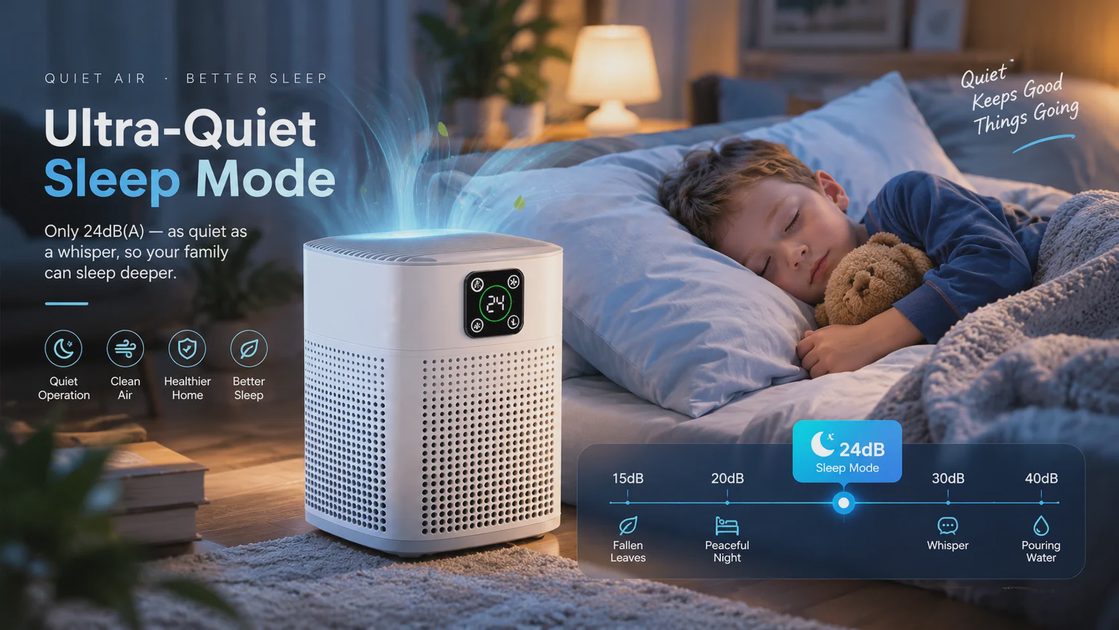
Noise was the thing I cared about most, so I tested it where it counts. The listing says it can run as low as 24 dB. I can't verify the number, but I can tell you what it was like: on the lowest setting in a quiet room, it faded into the background within about ten minutes. It is a soft, even airflow hum, with nothing sharp and nothing that rattles.
I used sleep mode most nights and never woke up wondering why the room had gotten louder. High speed is a different story. It is clearly audible, more like a small box fan, and I would not choose it for sleeping. I saved it for walking into a stuffy room or the hour after cooking something strong.
The Touch Panel, Timer and Fan Speeds
Controls are where small purifiers usually cut corners, and this one is better than I expected. The display is a compact touch panel with a circular indicator and four touch icons. Here is what I actually used:
Fan speeds: three levels, low, medium and high. I lived on low and medium, and medium handled most situations.
Timer: it can be set anywhere from one to nine hours and shuts itself off when time is up. A six-hour setting matched my sleep schedule.
Sleep mode: my default after lights out.
Filter reminder: the screen tells you when it is time to swap the filter, so there is no guessing and no calendar note to maintain.
The panel was responsive without being touchy. I never changed a setting by accident while dusting around it.
What I Noticed in the Air
I want to be careful here, because air quality is hard to judge by feel. I don't own lab equipment, and I'm not going to tell you a purifier changed my life. What I can say is that the bedroom smelled fresher after it had been running a while, I felt like I was wiping dust off the nightstand a little less often, and the stale feeling of a closed room after a long weekend morning was less noticeable.
The listing recommends it for pet owners, and the pre-filter does collect visible fuzz, so if you share your home with a dog or cat, expect to see that stuff get caught. Smoke and strong cooking odors are where I would temper expectations, which brings me to the downsides.
The Honest Downsides
A Coverage Claim to Take With Salt
The listing says the unit covers up to 1095 sq ft in 30 minutes. I would not plan around that number. The same listing gives an air delivery rate of 90 to 120 cubic meters per hour, which works out to roughly 53 to 71 CFM. That is a perfectly reasonable figure for a bedroom, but it is not the kind of airflow that turns over a thousand-square-foot space in half an hour.
Treat it as a one-room purifier, whether that is a bedroom or a home office, and you will probably be happy. Treat it as a whole-floor solution and you will be disappointed.
Smaller Quirks
Odors: the carbon stage is a thin layer. It helps with everyday smells, but it won't erase heavy smoke or a fish dinner.
Ongoing cost: the filter is a consumable, so a replacement is part of the long-term budget.
Touch controls in the dark: I fumbled for the right icon a few times before the layout became muscle memory.
None of these were dealbreakers for me. They are mostly the natural trade-offs of a small, affordable unit.
Who Should Buy It, and Who Should Skip It
A Good Fit If You
Want something quiet to run in a bedroom overnight.
Live with a pet and want to keep a closed room a bit cleaner.
Prefer plug-and-go over apps and accounts.
Are buying your first purifier and don't want to overspend to learn what you like.
Probably Skip It If You
Need to clean a large, open-plan living space.
Are mainly fighting heavy smoke or strong cooking odors.
Want smart-home control or an air-quality sensor. The listing doesn't mention app control or a sensor, and I didn't find one in use.
Is It Worth the Money?
How the Price Sits Next to the Features
When I looked at the listing on October 26, 2026, the white single unit was priced at $38.99. There was also a coupon box worth about ten dollars off that brought it down to $28.46 once ticked at checkout, with a limit of five per order. Amazon was also showing separate "save 30%" and "save 20%" checkout offers with terms attached, plus an Amazon Visa promotion advertising $50 off instantly on approval.
I would read the terms on each one rather than assuming they stack, and I would treat $38.99 as the honest sticker price and anything lower as a bonus. Prices and promotions on Amazon change often, so check the live page. For an H13 filter, a timer, a proper display and a low-noise rating, that is a modest amount of money, and it is the main reason I think the Honeyuan is worth trying.
Where It Ships From
The listing shows the purifier ships from Amazon and is sold by OUNEDA LIMITED, a third-party seller. That setup, with Amazon handling storage and shipping while a third party supplies the product, is the one I am most comfortable with when buying lower-cost electronics, because the order runs through Amazon's normal checkout and tracking. If you want to see the current price and options, you can check the Honeyuan HY1800PRO on Amazon.

Final Verdict: Three Things to Remember
It is a bedroom-sized purifier, not a whole-home one. Ignore the 1095 sq ft headline and think of it as a one-room machine.
Quiet operation and simple controls are the real selling points. Low speed and sleep mode are where it shines.
Plan for the filter. It is the ongoing cost, and the on-screen reminder makes it easy to stay on top of.
If you want a straightforward, low-fuss H13 HEPA air purifier for bedroom use and you are not expecting it to rescue a smoky kitchen, the Honeyuan HY1800PRO is an easy one to recommend. If your needs are bigger, spend your time on a larger unit instead.



No comments yet — be the first to share a thought.