
If you’re looking for flux for monitor comfort, you probably mean f.lux, the app that makes your screen’s colors warmer as the day goes on. It’s worth trying if a cool, bright display feels harsh at night and you want more control over the color change. But try the built-in Night light on Windows or Night Shift on a Mac first. Both may do the job without another app, and none of these tools is a guaranteed fix for eye strain or poor sleep.
The three things that actually matter
First, f.lux changes the appearance of your display; it doesn’t upgrade the monitor itself. The screen takes on a warmer, more amber cast, especially in the evening. That can feel less glaring to some people, but it also makes whites and other colors look different.
Second, the schedule matters as much as the color. The appeal of flux for monitor use is that you can let the app adjust the display over the day rather than digging into settings every night. You can also adjust its behavior if the default look is too orange or changes at an inconvenient time.
Third, your existing computer may already have what you need. Windows Night light and macOS Night Shift both offer warmer screen colors and scheduling. Start there if your goal is simply to make an evening email session less stark. Consider f.lux if you want to explore more controls or prefer how its adjustments work.
This is a free experiment, not a reason to buy a new display. I’d spend five minutes adjusting the screen you own before putting a monitor in an online cart.
How to set up flux for monitor use
Download f.lux from the official f.lux website, justgetflux.com, and choose the version intended for your operating system. Follow the installer’s instructions and review any permissions or location requests. A location helps the app time changes around local sunset; follow the app’s prompts if you prefer not to share precise location information.
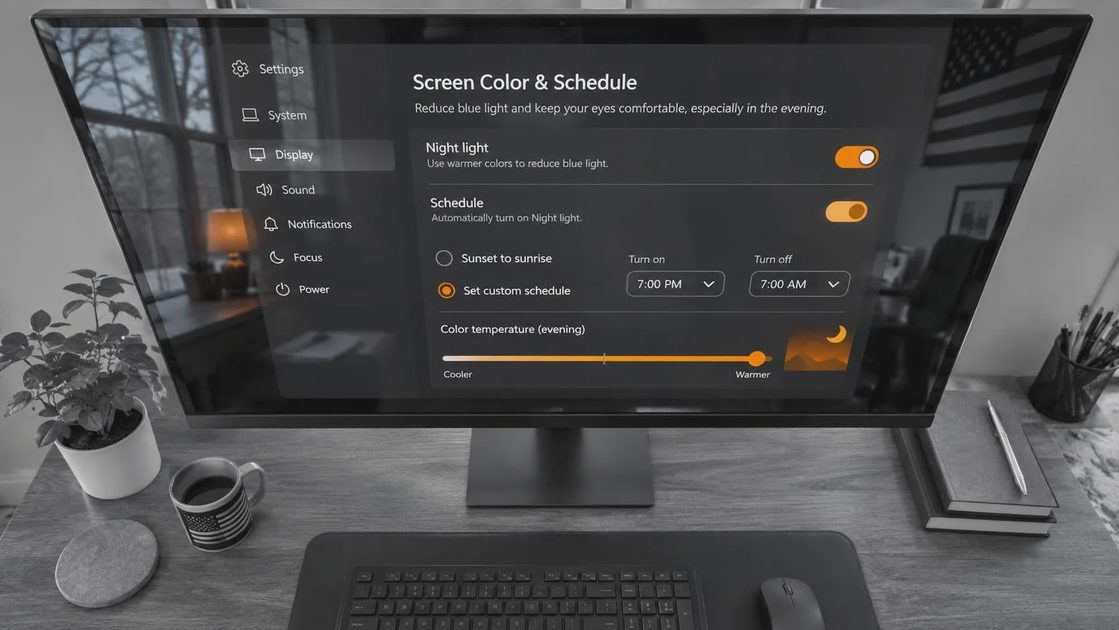
Once it’s running, pick a warmer evening setting and give your eyes a little time to adjust. Start conservatively: if a white document looks like old parchment, you may have gone warmer than you need. You can make it warmer later; there’s no prize for the orangeest spreadsheet.
Set your schedule around when you actually use the computer. Someone who works at a desk after dinner may want the change before opening a laptop, while someone editing family photos in the evening may prefer a later transition or a temporary pause.
Turn off Windows Night light or macOS Night Shift while you evaluate f.lux. Running two color-warming tools together can produce a much stronger tint than intended and make it harder to tell which setting is responsible. If the app and your operating system both seem to be changing the display, check both sets of controls before troubleshooting the monitor.
Brightness and room light still matter
The biggest misconception about flux for monitor setups is that a warmer color automatically makes a screen comfortable. It may help with the look of the display, but brightness, reflections, viewing distance, and the length of your work session matter too.
If a white page feels painfully bright in a dim room, lower the monitor’s brightness until it feels comfortable without making text hard to read. A small lamp that lights the room without shining directly into your eyes or reflecting off the screen can also make the contrast between the display and the room less jarring.
If you find yourself leaning forward, enlarge the text or move the screen to a comfortable distance rather than squinting through another meeting. Take regular breaks from close-up work, too. No software setting cancels out hours of staring at a tiny font.
Persistent eye pain, headaches, blurred vision, or symptoms that don’t improve deserve a conversation with an eye-care professional. A warmer screen is a preference adjustment, not a diagnosis or treatment.
When to pause the warmer colors
Warm color settings are a poor fit when accurate color is the job. If you’re choosing a paint color from a digital sample, editing product photos, grading video, or checking a presentation’s brand colors, the amber cast can influence what you see. Pause the warming effect while you make those decisions, then turn it back on afterward.
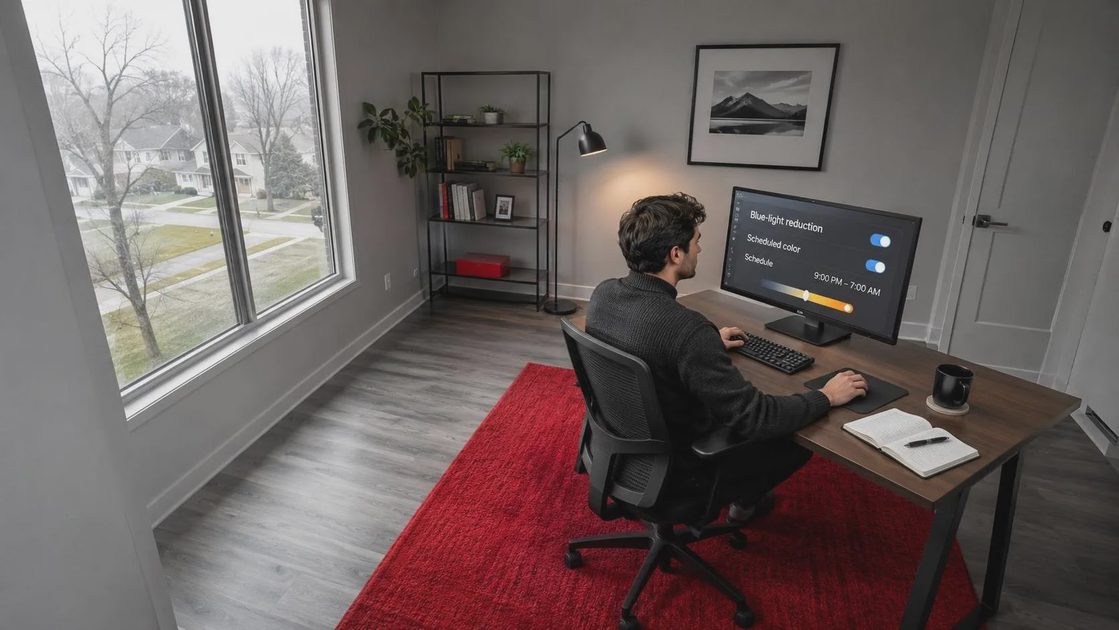
That doesn’t mean turning off f.lux makes every monitor color-accurate. Display settings, calibration, and the surrounding light still affect the result. It simply removes one obvious source of intentional color change. For a purchase that depends on exact color, a physical sample is often more useful than trusting any screen alone.
Games and movies are a personal call. Some people like a warmer image at night; others find that it changes the atmosphere or makes a dark scene harder to judge. Try the same scene with the filter on and off, then use the version you prefer. Check the app’s controls for ways to pause or adjust it when an activity needs a different look.
What about sleep and blue light?
Warmer settings reduce the blue component of the light your screen displays, but that doesn’t make flux for monitor use a sleep guarantee. Screen brightness, what you’re doing, when you use the device, and your overall routine can all matter. A calmer-looking inbox is not the same thing as a calmer evening.
If sleep is the reason you’re interested, use the warmer setting as one small part of an experiment: dim the display to a comfortable level and give yourself some screen-free time before bed. Notice whether the routine works for you rather than assuming a particular color setting will solve the problem.
Is f.lux worth installing?
For most people, I’d start with the built-in option and use it for a few evenings. If the schedule and warmth feel right, stop there. If you want to adjust the transition more closely or the built-in controls don’t fit your routine, flux for monitor use is a sensible next step.
There’s no need to replace a functioning monitor just to get a warmer nighttime picture. Start with software, fix the room lighting, and spend money on a new display only if the hardware has a separate problem you actually need to solve.



No comments yet — be the first to share a thought.