
The best portable chargers for power outages depend on what needs to stay on. For phones and a flashlight, start with a 20,000 mAh USB power bank. For a laptop, choose a bank with enough USB-C output for that computer. For a modem, medical equipment, or anything needing a wall outlet, look at a portable power station instead—and verify the device’s requirements before buying.
If I were narrowing the field, I’d look at Anker’s power bank range for a straightforward phone-first option, the Anker 737 Power Bank for someone who needs higher-output USB-C laptop charging, and the Jackery Explorer line for households that need AC outlets. Those are starting points, not interchangeable products: check the exact model’s capacity and ports before ordering.
The three things that actually matter
First, decide how many devices you need to recharge and for how long. A compact bank can keep a couple of phones going; it is not a substitute for a household backup system. Second, match the charger’s output and connector to your devices. A big battery with the wrong port can still leave your laptop dark. Third, plan how you’ll recharge the charger itself if the outage lasts longer than expected.
I’d make a short list before shopping: phones, a rechargeable light, and perhaps a laptop or internet equipment. Add the devices you truly need, not every gadget in the house. That list determines whether a power bank fits in a drawer or a larger power station deserves the space and money.
Choose capacity based on your outage plan
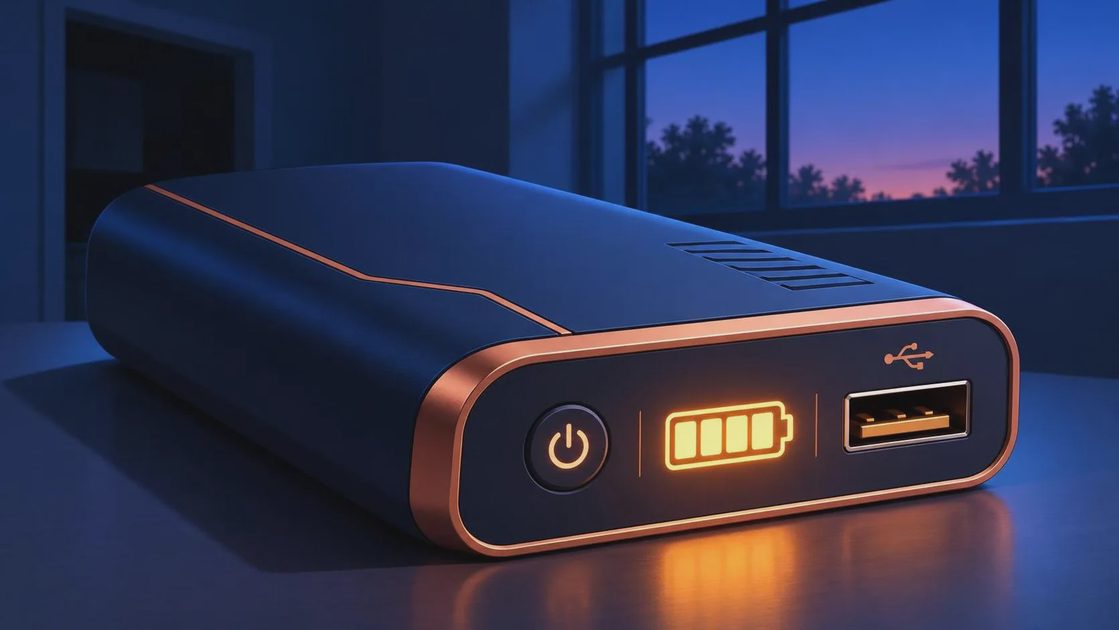
For many households, 20,000 mAh is a useful middle ground for phone charging: portable enough to move around the house, but substantially roomier than a small pocket bank. A 10,000 mAh model is easier to carry and can make sense for one person who mainly wants a phone topped up. Neither capacity promises a fixed number of full charges.
The reason is simple: the number on a power bank describes its internal battery, and some energy is lost converting and delivering power. Phone battery sizes, charging conditions, and whether you use the phone while charging also change the result. Treat advertised charge counts as estimates, not a blackout schedule.

For a more useful comparison, look for watt-hours, abbreviated Wh, on both the charger and the device when available. A 20,000 mAh bank with a 3.7-volt internal battery holds about 74 Wh on paper. If a laptop battery is rated 50 Wh, that bank cannot reliably promise a full recharge: conversion losses and the laptop’s own power use reduce what arrives. Some products list Wh directly, saving you the math.
A power station usually lists its capacity in Wh, which makes comparing larger options easier. Divide the station’s Wh by a device’s power draw in watts for a rough upper-bound runtime, then expect less because of conversion losses and the station’s own consumption. For example, 300 Wh divided by 30 watts is 10 hours before those losses. Actual demand can change, so leave a comfortable margin.
Match the ports and power to the job
A phone can generally use a USB-C or USB-A port with the right cable, but charging speed varies. A laptop is more demanding: check the wattage on its original charger and look for a USB-C Power Delivery output that meets the laptop maker’s requirements. A lower-wattage bank might charge slowly, only charge while the laptop sleeps, or not charge it at all.
Also check the output when multiple ports are in use. A bank advertised with a high maximum output may share that power between devices, so the laptop port can deliver less while a phone is plugged in. The detailed port specifications matter more here than the large number on the front of the box.
For home internet, identify the modem and router’s power requirements. A power station with an AC outlet can run their regular adapters if its output supports them, but internet service may still be down during an outage. Some equipment can use USB power with the correct compatible cable or adapter; don’t improvise with a mismatched voltage or connector.
An AC outlet is useful, but it adds bulk and conversion losses. If phones are your only concern, paying for a power station is probably a good product, wrong buyer situation. If you need a fan or other plug-in device, check both its running wattage and any startup surge against the station’s output rating. Heating appliances and refrigerators can demand far more power than a small station can supply.
Plan for recharging and safe storage
Portable chargers for power outages only help if they’re charged when the lights go out. Put a recurring calendar reminder on your phone to check the battery level and follow the manufacturer’s storage guidance. Keep the charging cable with the unit, along with any cable your household’s phones or laptop actually need.
Check how the bank itself recharges and whether the wall adapter is included. A large bank can take a long time to refill with an underpowered adapter. A power station may offer wall, car, or solar charging, but the required accessories and charging speeds vary by model. Solar is an option for longer disruptions, not a guaranteed quick refill: weather, panel placement, and panel compatibility all matter.
Store lithium batteries in a cool, dry place, away from direct sun and excessive heat. Don’t leave one baking in a parked car, and stop using it if the case is swollen, damaged, or unusually hot. Use appropriate cables and follow the manufacturer’s instructions; a bargain charger is less appealing when its safety information is impossible to find.
For a medical device, don’t guess from the battery capacity alone. Ask the equipment provider about compatible backup power, required runtime, alarms, and an outage plan. A portable battery can be one part of that plan, but it should not be the only contingency for equipment someone depends on.
The purchase I’d make
For a typical phone-first household, I’d buy a reputable 20,000 mAh bank, a suitable wall charger, and the right cables before spending more on an outlet-equipped station. Add a second bank if separate people need power in different rooms or bags. Choose the larger station only when you can name the plug-in device it will run and have checked the math. Buy the version you’ll still like after the excitement wears off—and keep it charged.



No comments yet — be the first to share a thought.