
I’m Nolan. I buy tech with my own money and judge it by how it behaves in ordinary life—reading on the couch after Miles is asleep, carrying something light through an airport, or killing twenty minutes in a waiting room without turning it into a project. Tablets are easy to overbuy. The marketing pushes productivity, creativity, and “laptop replacement.” Most people I know mostly want a good screen for reading, streaming, light browsing, and not much else.
If that is your actual use case, three practical filters matter more than the rest of the spec sheet.
1. Screen comfort for long sessions beats peak resolution and refresh rate
You will spend more time looking at this screen at a relaxed distance than you will running benchmarks. Brightness, glare control, and how the panel feels after thirty or forty minutes matter more than the highest resolution number or a high refresh rate you will rarely notice while reading.
What I check:
Is the screen easy to read in normal indoor light without maxing the brightness?
Does it stay comfortable when you are reclined on the couch or propped up in bed, or does glare and reflectivity force constant adjustment?
Is the size large enough for text and video without feeling like a heavy book you have to hold with two hands the entire time?
A tablet that looks sharp in a store demo can still feel tiring in the exact positions you will actually use it. Prioritize sustained comfort over the most impressive panel on paper. If you read a lot, also pay attention to how the screen handles warm color temperatures at night—many people end up lowering blue light or using a warmer display setting, and some panels handle that more gracefully than others.

2. Weight, one-handed use, and how it travels
Tablets spend a lot of time being held, carried, and set down on uneven surfaces. The difference between a device you grab without thinking and one you leave on the table because it feels like a commitment is often just a few ounces and a better balance point.
Practical tests:
Can you hold it in one hand for a while without your wrist complaining?
Does it fit easily in the bag you already carry, or does it require its own dedicated sleeve and extra space?
When you set it on a tray table, a couch cushion, or your lap, does it stay usable or constantly threaten to tip or slide?
I have owned tablets that were excellent on a desk and annoying everywhere else. For reading, travel, and couch use, the ones that survive are the ones that disappear into the moment instead of reminding you that you are holding a computer. Accessories matter here too. A thin case that protects without adding bulk is usually more valuable than a keyboard folio you will rarely attach.
3. Battery behavior in real mixed use, not the maximum claim
Manufacturers quote long battery numbers under ideal conditions. Your actual pattern is more like: twenty minutes of reading, a short video, a bit of browsing, screen on and off while you deal with something else, then more reading later. The battery that matters is the one that still has comfortable margin at the end of that kind of day.
What I look for:
Does a normal evening of reading and light use leave plenty of charge, or are you already thinking about the charger?
How fast does it regain usable power when you only have a short window to plug in?
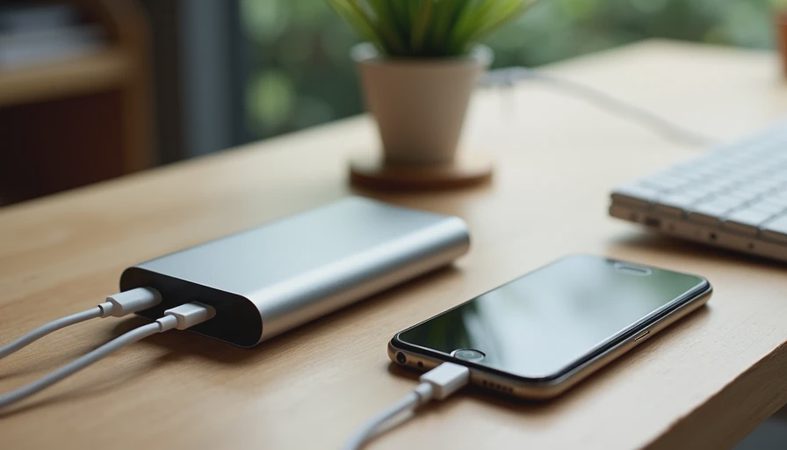
Is the charging situation simple (USB-C, works with the bricks you already own) or does it introduce another proprietary cable and brick?
A tablet that needs daily charging for modest use becomes another small piece of device management. The better ones let you ignore the battery for a couple of days of typical reading-and-couch sessions. That quiet reliability is worth more than a higher peak number that only appears in the lab.
The filter I use
Before I buy, I ask:
Will the screen stay comfortable for the long, relaxed sessions I actually want this for?
Is the size and weight low enough that I will reach for it instead of leaving it behind?
Does the battery match mixed, interrupted use without turning into a daily chore?
If a tablet fails any of those, the extra storage, the stylus support, or the “productivity” features rarely save it for this kind of buyer. Those extras are useful if you need them. They are expensive distractions if you do not.
Buy the version of the product you’ll still like after the excitement wears off. For a tablet aimed at reading, travel, and couch use, that usually means the one that feels easy to pick up, easy to look at for a while, and easy to ignore the battery on. Everything else is secondary.



No comments yet — be the first to share a thought.