
Affiliate Disclosure: This post contains affiliate links. If you buy through them, I may earn a small commission at no extra cost to you. It doesn't change my verdict, and I buy my own gear before I write about it.
Our Ring camera has a talent for dying at bad moments. The low-battery email always lands during my one quiet work window, the nap window, when Miles is finally down and I'm finally mid-thought. Taking the camera off the wall, charging it and putting it back isn't hard. It's just one more item on a list that's already long.
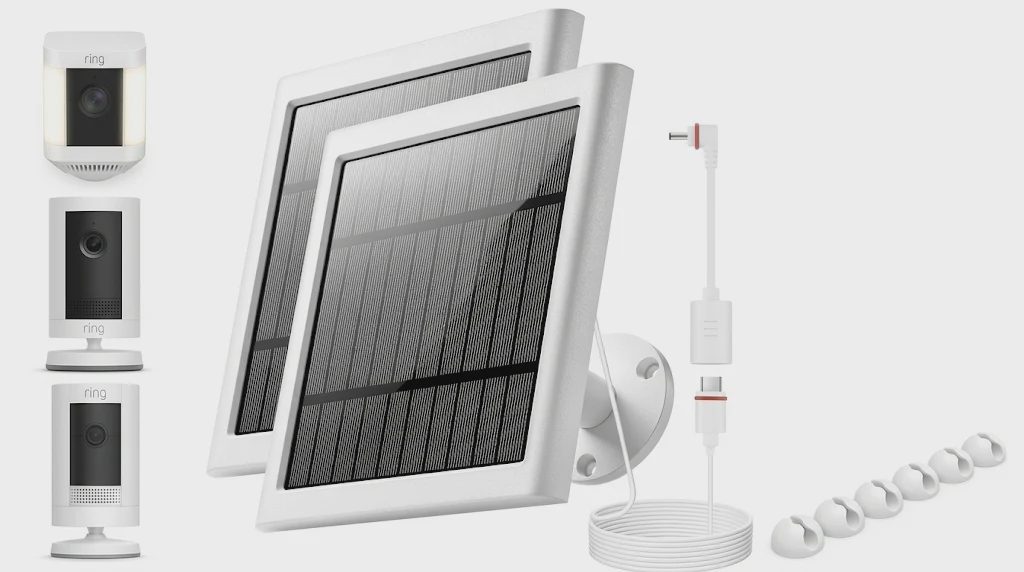
So a solar panel for Ring camera setups went on my "worth trying" list. The one I bought is a 2-pack of 4W panels from Paodekua, made for Ring's battery-powered Stick Up Cam and Spotlight Cam models. After a few months on my wall, I think three things decide whether this is a smart buy or an annoying one. Here they are.
Thing One: Your Wall Has to Actually Get Sun
Where I Ended Up Putting Mine
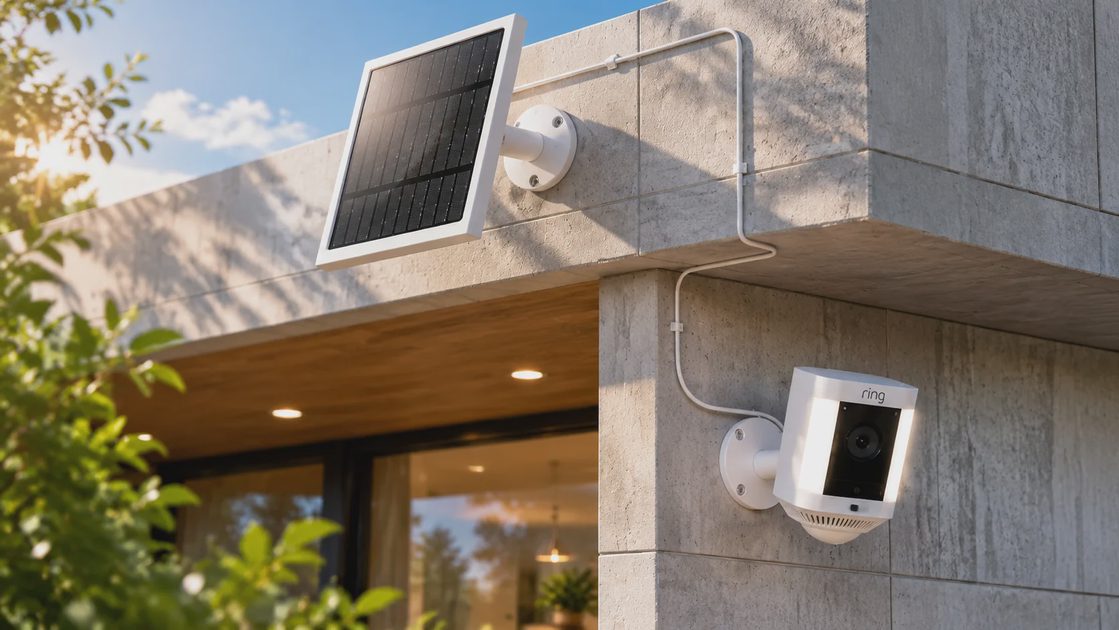
My camera watches the side gate, which sits in shade most of the day. The brighter wall is around the corner, near the grill. That's where the panel lives. This is where the spec sheet stops helping: a 4W rating means nothing if the panel faces a fence.
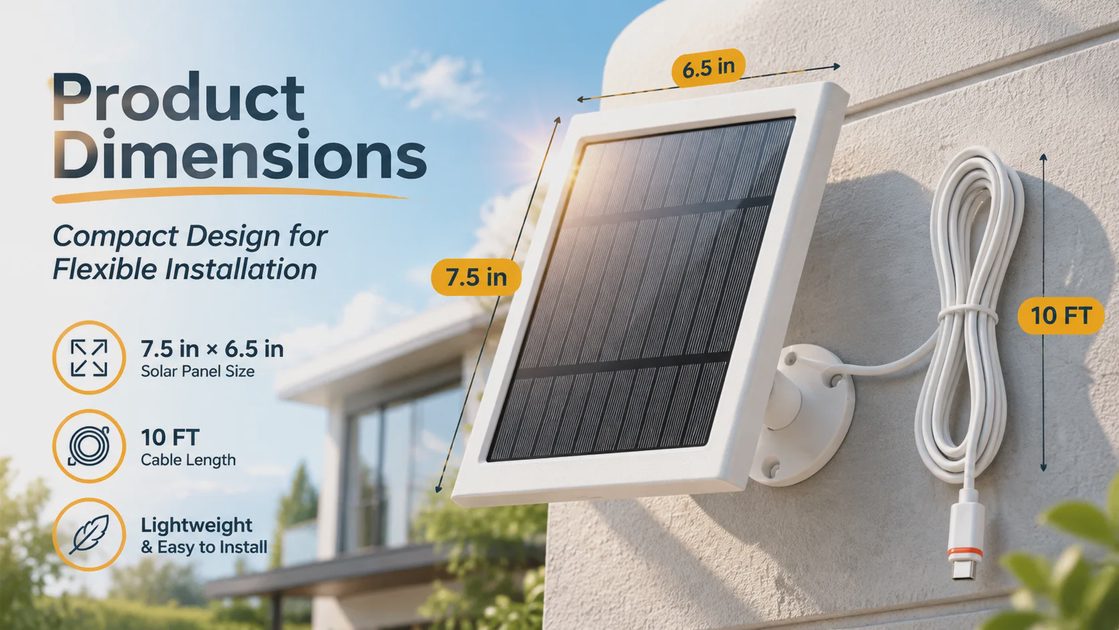
Two features made that split placement possible. The cable is 10 feet (about 3 meters), so the panel doesn't have to sit next to the camera. And the bracket swivels through 360 degrees, so you can chase the sun instead of mounting the panel flat and hoping. If the product had one of those without the other, I'd have skipped it.
The Install, Honestly
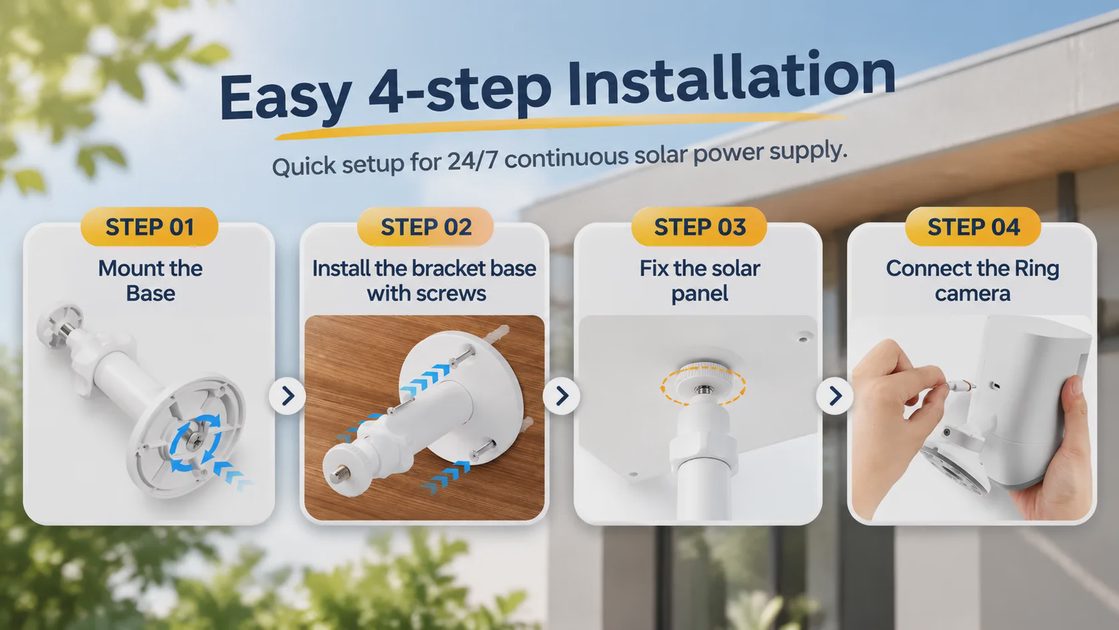
The listing shows four steps, and that's about right:
Mount the bracket base to the wall with the screws.
Attach the panel to the bracket.
Angle it toward the sun.
Plug the cable into the camera and make sure it's fully seated.
It took me one short afternoon, and most of that was deciding where to put it, not drilling. My advice: hold the panel at a few spots on different days before you commit to holes. Fifteen minutes of checking beats re-drilling.
The cable clips are the unglamorous hero here. Without them, a long white cable looks like it's escaping down the wall. With them, it follows the trim and mostly disappears. If your wall is brick or stucco, bring a masonry bit. The included anchors and screws worked on mine, but they're basic hardware and I'd treat them that way.
Thing Two: Know What 4W Can and Can't Do
The 90% Rule Nobody Mentions Up Front
Here's the thing I wish more listings led with. Ring devices don't start accepting solar charge until the battery drops to roughly 90%, according to the product page's own note. It's a battery-health protection, not a defect.
So if you connect it to a full battery and see nothing happening, that's expected. Let the battery fall below that level, then check again. If your battery is already very low, say 5 to 10%, the seller suggests charging it manually first and then reconnecting the panel.
A Trickle Charger, Not a Rescue
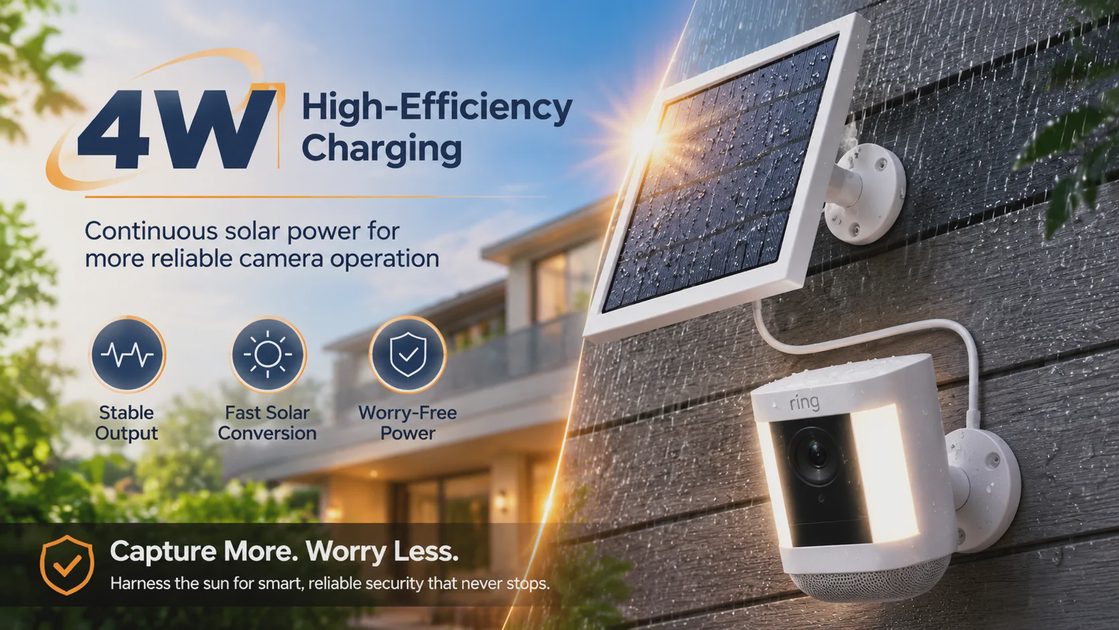
Charging depends on how much direct sun the panel sees, the angle, and the weather. On clear days mine did its job quietly. On heavy overcast days it was slower, which is what you should expect from any small panel.
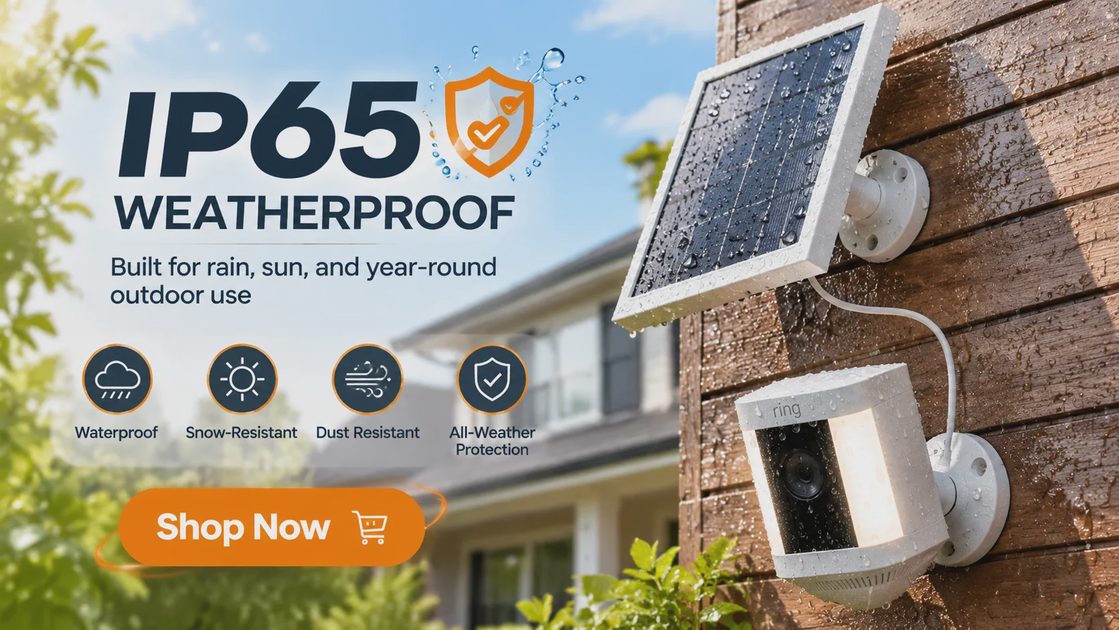
The listing calls it weatherproof and shows an IP65 rating in the product images. The panels handled wind and rain on my wall without trouble. I can't tell you how the plastic frame holds up after years of Texas summers, so treat that as a short-term impression. At 4W, it won't rescue a camera that records all day. It keeps a moderate-traffic camera topped up, and that's a different job.
Thing Three: Your Camera Has to Be on the List
Check the Model Before You Click
The listing is written around Ring's battery-powered cameras: the Stick Up Cam (2nd and 3rd gen battery models) and Pro, and the Spotlight Cam Battery, Plus and Pro. The title also mentions the Reolink Argus Pro, and the page says other cameras with a USB-C charging port can use it. I only tested it on a Ring, so I can't vouch for anything else. If your camera is a wired model, this isn't what you're shopping for.
What It Looks Like on the Wall
The panel is a flat, slightly chunky rectangle with a monocrystalline cell surface, rated 6V and 4W. It feels solid for the weight, and the white finish blended into our siding better than I expected. It reads as a plain, practical object, not a gadget you'll want to show off, and I mean that as a compliment.
What Bugged Me
Nothing here is a dealbreaker, but I'd rather you hear it from me than discover it on the ladder.
It's a trickle charger. It suits moderate-traffic spots better than a busy street-facing view.
Shade is the enemy. If your only sunny wall is far from the camera, 10 feet may not stretch far enough.
Plastic frame. Fine for the price, but not the premium feel of a metal-framed unit.
The 90% rule can confuse you. It's documented, but easy to miss until you're staring at a panel that seems to be doing nothing.
More connections to get right. The kit includes both USB-C and barrel-plug ends, so make sure the right one is firmly seated.
What It Cost, and Why I Didn't Argue With Myself
The Price Math
The 2-pack was $36.99 when I looked, and a coupon box on the page brought it to $32.18 (limited to 5 items). Split across two panels, that's roughly $16 to $18 each. My usual test is whether something is worth the fight on the credit card bill, and this one didn't start one.
I bought it on Amazon, where it's sold by Paodekua and shipped from Amazon, so I got standard Amazon handling instead of a one-off seller's return process. If you want the exact listing, here it is: Solar Panel for Ring Camera, 2 Pack 4W. Prices and coupons move, so check the page before you order.
Reading the Reviews
The listing carries 4.2 stars from over 3,200 ratings, and was marked a #1 Best Seller in Solar Panels with 3K+ bought in the past month when I checked. I don't treat star counts as gospel, but a rating that steady across that many reviews tells me this isn't a one-hit wonder. I'd still read a few of the three-star reviews, because that's where the practical complaints usually are.
The Exit Ramp
Amazon lists free returns, with a refund or replacement window running until January 31, 2027 on the purchase I saw. That made the decision easier. If the panel doesn't charge your particular setup, you aren't stuck with it.
Good Product, Wrong Buyer?
If I were buying this for myself today, I'd make the same call. I have a Ring battery camera, a sunny wall within about 10 feet, and zero interest in the charge-and-remount routine. For that buyer, it solves one specific annoyance and doesn't pretend to do more.
If your camera sits in deep shade, records constantly, or faces a busy street, lower your expectations. You may still see some benefit, just not a hands-off setup. And if you want a premium finish, this isn't that.
The real win for me wasn't a number on a spec sheet. It was a few months of not getting that low-battery email at a bad time. Buy the version of the product you'll still like after the excitement wears off. For this one, the excitement was never the point.



No comments yet — be the first to share a thought.