
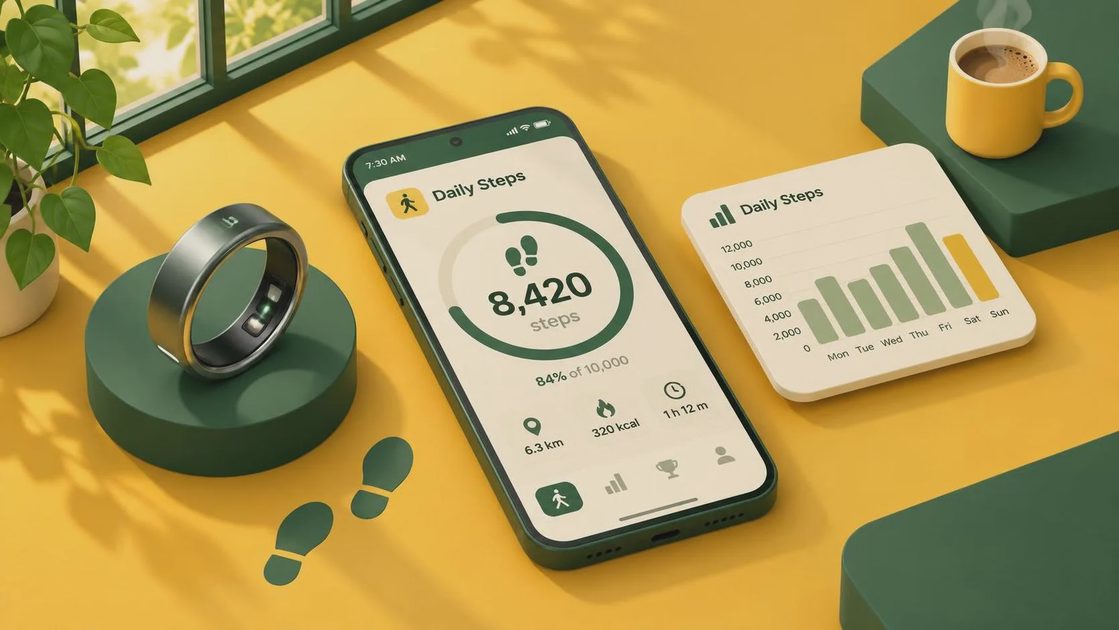
Does Oura ring track steps? Yes. Oura estimates your daily step count using movement detected by the ring and displays that estimate in its app. You do not need to carry your phone on every walk for the ring to record movement. The catch: it is an estimate, not a literal count of every footfall, and it may differ from the number on your phone or watch.
For most people, the useful question is whether that estimate helps them move more consistently. If you primarily want a simple step counter, a phone you already own may be enough. If you also want sleep and recovery insights in a screen-free wearable, Oura has a stronger case.
The three things that actually matter
First, the ring measures motion at your finger, not at your feet. Oura uses that movement to estimate steps, which means activities involving your hands can sometimes affect the count. A day of typing, cooking, pushing a stroller, or carrying bags is not the same as a controlled walk around a track.
Second, Oura is built around a broader picture than steps alone. Its app combines activity information with sleep and other health-related signals. That can be useful if you want context for how active you have been and how you are recovering. It is less compelling if the only number you plan to check is your daily step total.
Third, account for the ongoing cost. Oura has charged a membership fee for access to many app features, on top of the ring's purchase price. Membership terms, regional pricing, and the information available without a subscription can change, so check Oura's current terms before ordering. A ring that fits the budget on checkout day should still fit it months later.

Does Oura ring track steps accurately?
It can give you a useful estimate of daily movement, but there is no guarantee it will match a manual count or another device. Different wearables use different sensors, algorithms, and positions on the body. Your phone may also miss movement when it is sitting on a desk, while a ring can record motion throughout the day when you are wearing it.
Differences can show up in both directions. Hand movements that resemble walking motion may add to an estimate. On the other hand, walking while your ring hand stays relatively still, such as when pushing a cart, may make some movement harder to identify. The size and direction of the difference depend on what you are doing; there is no dependable adjustment to apply afterward.
If you want a practical accuracy check, count your steps during a short, uninterrupted walk and compare that with the change in the app after the ring syncs. Repeat on another walk with your normal arm movement. This will not validate every activity in your day, but it can show whether the estimate is close enough for the way you intend to use it.
Don't let a small disagreement between devices turn a healthy walk into an accounting project. If the totals are consistently far apart, consider where each device was worn and whether both were present for the same activities before assuming one is broken.
Finding your step count and making it more useful
Open the Oura app, sync your ring, and look for the daily steps figure in its activity information. App layouts can change, so the label or exact location may move after an update. If you cannot find it, check Oura's current in-app help and confirm that your ring has synced.
For a meaningful comparison over time, wear the ring consistently and review totals across several days rather than treating one number as a grade. A work-from-home day, an airport day, and a weekend walk have very different movement patterns. The trend is more useful when you understand the routine behind it.
Fit matters too. Follow Oura's sizing guidance and choose a ring that stays comfortably in place without feeling painfully tight. Finger size can change during the day, so take the sizing process seriously rather than guessing based on a different ring. A comfortable fit also makes it more likely you will actually wear the thing.
How it compares with a phone or watch
A phone is the low-cost starting point if you already carry it most of the day. Its weakness is obvious once you leave it charging in the kitchen: steps taken without it may not be captured. If that missing movement does not bother you, buying another device just for a daily count is hard to justify.
A smartwatch or fitness tracker puts activity information on your wrist, often making it easier to check progress during the day. It may also be a better fit if you want a screen for workout controls or notifications. The trade-off is another screen and another device to charge. Features and subscription requirements vary by brand and model.
Oura suits someone who prefers a discreet ring and is interested in sleep and recovery as well as activity. It has no screen for glancing at your total, so you will use the app to review it. It is also a ring: if you regularly lift weights or do hands-on work, you may need to remove it for comfort or safety, leaving gaps in tracking.
The buying call
Buy Oura for the combination of a ring form factor and its broader wellness features, not because you expect a perfect pedometer. If all you need is a rough daily step count, try your phone first. If you want detailed exercise feedback on your wrist, compare a fitness tracker or smartwatch before paying for a ring and membership.
The right choice is the one you will comfortably wear and actually check after the novelty fades. A step count should make the next walk easier to take, not create another subscription you forgot to question.



No comments yet — be the first to share a thought.