If you have been searching for matter smart home news, you probably do not need another parade of launch announcements. You want to know whether a new standard will make your lights, locks, sensors, and speakers less annoying to use. That is the right question. Smart-home technology is finally moving toward easier cross-brand compatibility, but the details still matter more than the logo on the box.
Matter is a common smart-home standard supported by major companies including Apple, Google, Amazon, and Samsung. It is designed to help compatible devices work across different platforms instead of trapping you inside one brand's ecosystem. In plain English, a Matter light bulb should have a better chance of working with Apple Home, Google Home, or Alexa. That does not mean every feature works everywhere, and it does not mean every old device becomes magically compatible.
The three things that actually matter
The first thing to check is device type. Matter support has expanded beyond basic lights and plugs, but coverage is still uneven across categories. Bulbs, switches, plugs, thermostats, locks, blinds, and sensors are generally more useful starting points than highly specialized appliances. A Matter label on a product is helpful, but it does not promise that every advanced feature will transfer between platforms.
The second thing is controller compatibility. A Matter device needs a compatible controller connected to your chosen smart-home platform. Depending on your setup, that could be a HomePod, Apple TV, Nest Hub, Echo device, SmartThings hub, or another supported product. Some controllers also act as Thread border routers, which help low-power Thread devices communicate with your home network. Before buying, confirm that your existing hub can handle the device rather than assuming your smart speaker does everything.
The third thing is your preferred app. Matter can improve interoperability, but the daily experience still depends on whether you use Apple Home, Alexa, Google Home, or SmartThings. Automations, camera features, energy dashboards, and notifications may differ. If you want a door lock to trigger a hallway light, check that your platform supports that routine. This is where the spec sheet stops helping.
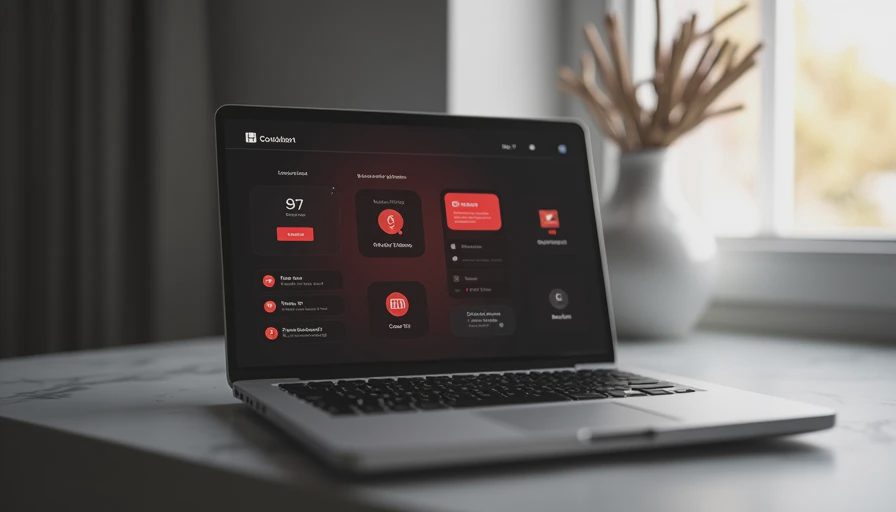
What matter smart home news gets right—and wrong
The genuinely good news is that Matter gives shoppers a better escape route. A few years ago, buying a smart bulb could mean choosing between ecosystems before you even knew which one your family would use. A Matter-compatible bulb from brands such as Nanoleaf, Wiz, or Philips Hue can reduce that risk, although product-specific limitations still apply. If your household changes from Alexa to Apple Home later, you have a better chance of reusing the hardware.
The overhyped part is the idea that Matter makes every device identical. It does not. A lock may support basic locking in several apps while offering richer access codes or activity history in its preferred platform. A light may respond to on-and-off commands everywhere but expose color scenes only in one app. Cameras remain a particularly important category to research because video, recording, and advanced detection support have not always moved as quickly as simpler accessories.
Matter smart home news is most useful when it explains these gaps instead of treating compatibility as a magic word. Look for the exact device type, supported platform, required hub, and features available after setup. A five-minute product-page check can prevent a ninety-minute evening spent resetting a stubborn plug while dinner gets cold.
Should you buy Matter devices now?
For a first smart-home purchase, buying Matter-compatible products is usually sensible. The premium is often modest, and the flexibility can be worth more than a slightly lower price on a closed ecosystem device. For example, spending $15 to $25 on a compatible plug that can move between platforms is easier to justify than buying a $10 plug you might replace after a move or phone change.
For an existing setup that works, do not replace everything just because a newer logo appears. A reliable Philips Hue bridge, Kasa plug, August lock, or older thermostat can still be perfectly good. Upgrading makes more sense when a device regularly drops offline, lacks a feature you need, or creates household friction because only one person knows how to control it.
If I were buying this for myself today, I would start with two or three low-risk devices: a plug, a bulb, and a contact sensor. I would connect them to the platform my family already uses, then test automations for a week. That approach costs roughly $40 to $100 instead of turning the entire house into a costly experiment.
How to read matter smart home news without wasting time
Start with the release date, but do not treat the newest announcement as an immediate buying signal. Smart-home updates can describe a planned feature, an industry demonstration, or a software rollout that is limited to certain products. The difference between “support announced” and “support available on your device today” is where many buyers lose an afternoon.
Next, find the practical compatibility details. Search for the words controller, Thread, Wi-Fi, firmware, bridge, and platform. Wi-Fi Matter devices may be easier to install if your home already has dependable coverage. Thread devices can use less power and suit sensors well, but they require the right border-router setup. Neither choice is automatically better; the best fit depends on your existing equipment and how far the device is from your router.
Finally, read reviews written after setup rather than relying only on launch-day impressions. Look for comments about pairing, reliability, shared household access, notifications, and recovery after an internet outage. A device that saves $8 but needs frequent resets is not a bargain. The most useful matter smart home news connects technical changes to those ordinary frustrations.
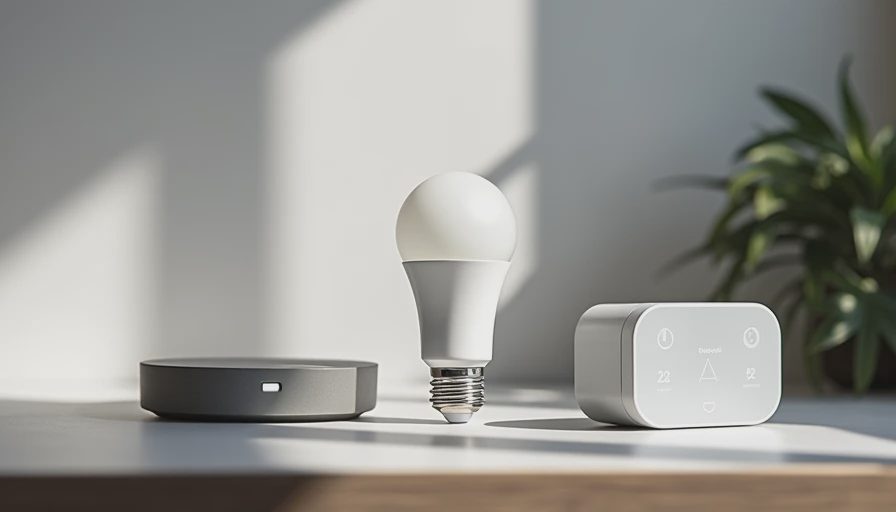
A practical buying checklist for your home
Before ordering, write down the platform you actually use. Do not choose based on the platform you think you might adopt someday. Then identify whether you need remote control, local control, schedules, voice commands, energy monitoring, or a simple on-off action. Paying extra for features nobody will use is how a small smart-home project becomes a credit-card argument.
Confirm whether the product needs a separate hub. A smart lock with a built-in Matter connection may still need a compatible controller for remote access. A sensor using Thread may require a border router. Check whether the package includes batteries, mounting hardware, and a bridge; a $30 product can become a $70 project surprisingly quickly.
Also consider failure modes. Can someone still unlock the door if the internet is down? Can a family member control the lights without your phone? Does the device have a physical button? These questions matter more than a colorful app screenshot. Smart-home convenience should reduce household friction, not create another tiny system that only one technically patient person can maintain.
The bottom line for everyday buyers
The best takeaway from matter smart home news is not “replace your house.” It is “buy with an exit plan.” Choose devices that fit your current platform, verify the controller requirements, and favor products with useful local controls and a good reliability record. Matter improves your odds of keeping hardware through future platform changes, but it does not erase differences in features, apps, or setup.
Buy the version you will still like after the excitement wears off. For most homes, that means starting small, testing one automation, and expanding only after the system behaves consistently. If a Matter label helps you avoid an ecosystem dead end, it has done its job. If it becomes an excuse to buy twelve gadgets you did not need, even the smartest standard cannot save the budget.



No comments yet — be the first to share a thought.